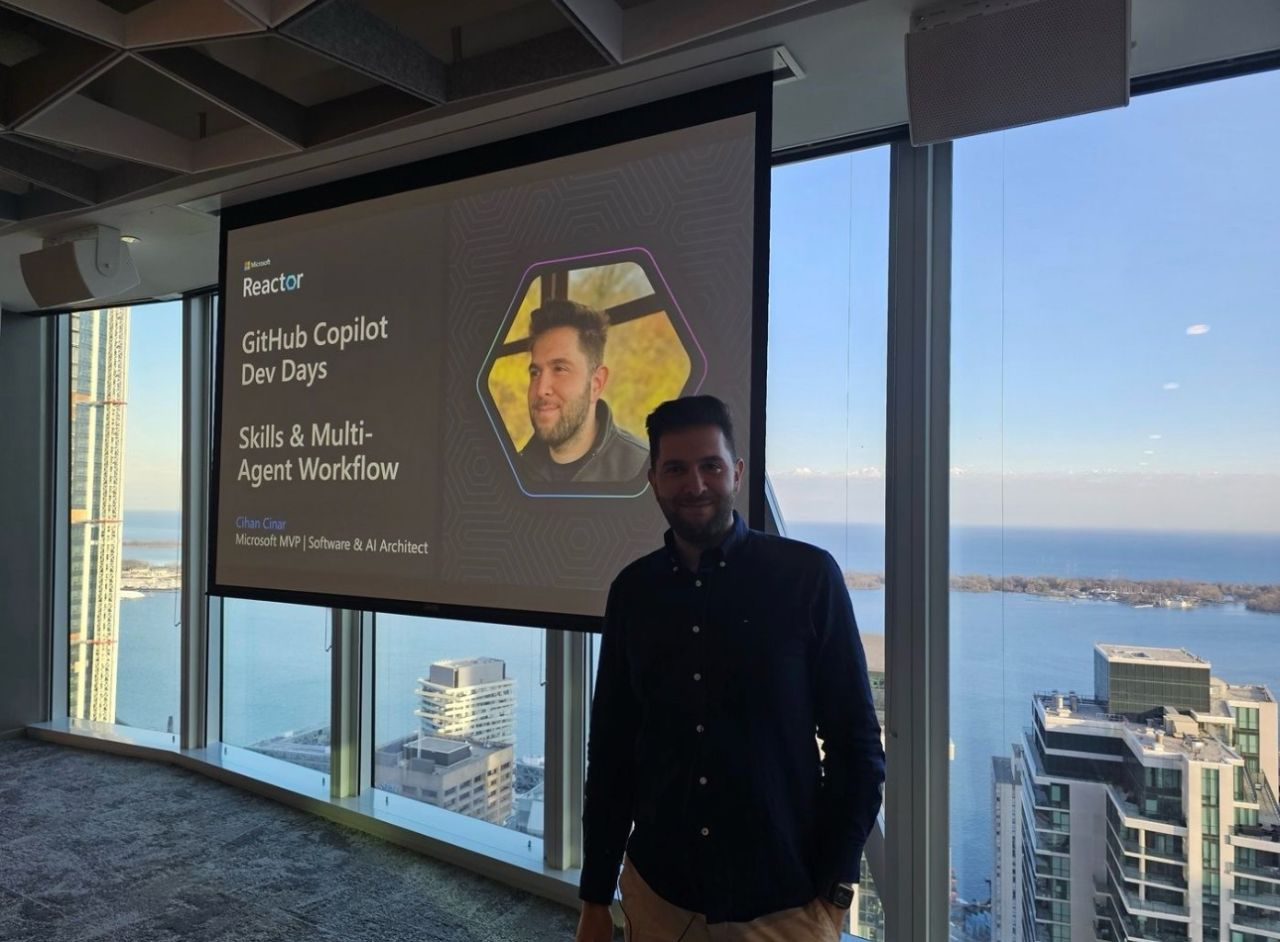
GitHub Copilot Dev Day in Toronto
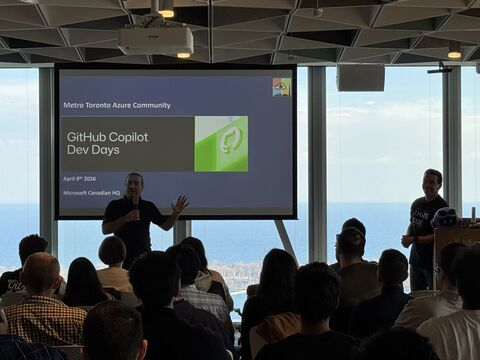
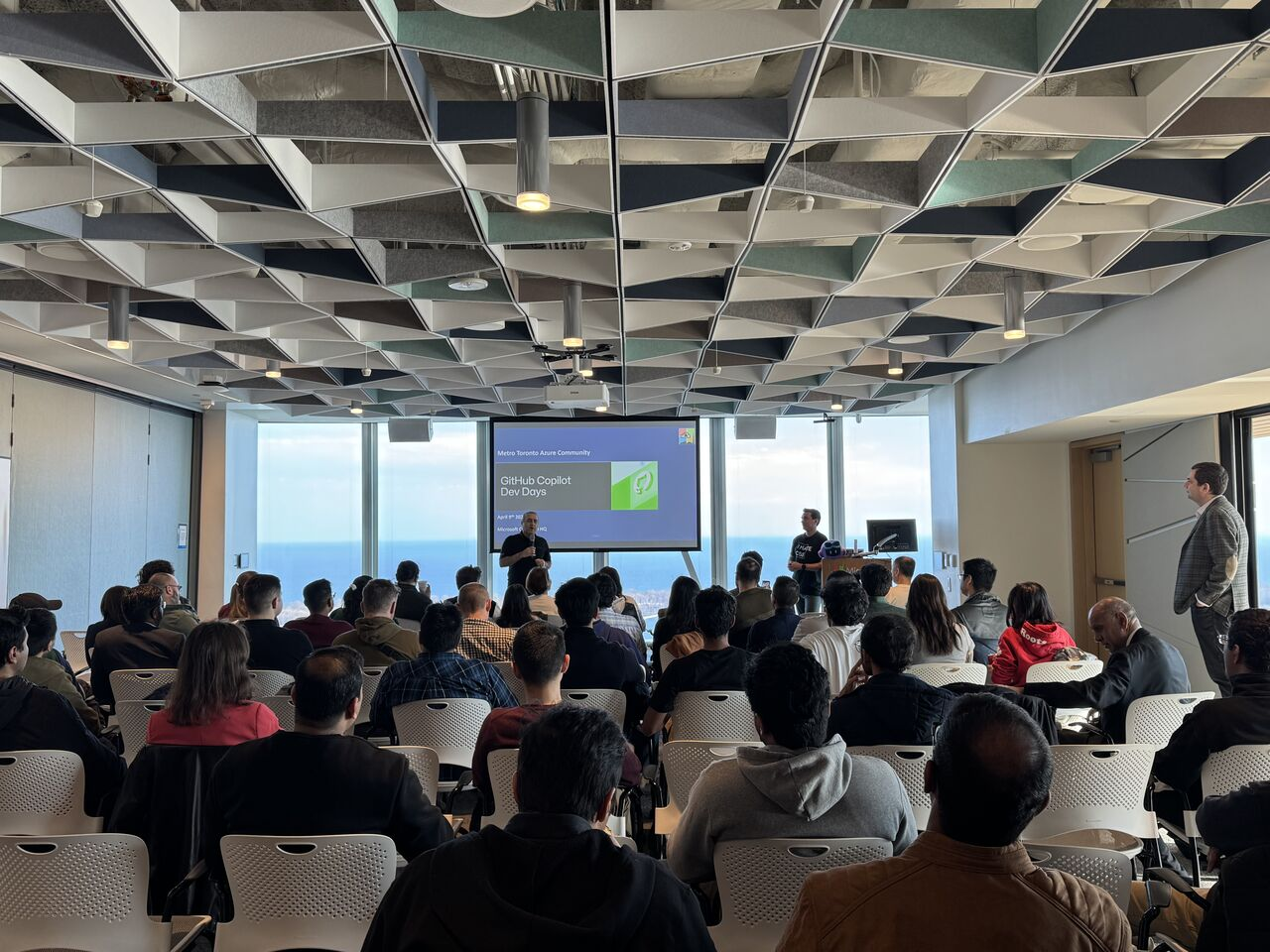
Metro Toronto Azure Community · April 9, 2026 · Microsoft Canada HQ, Toronto
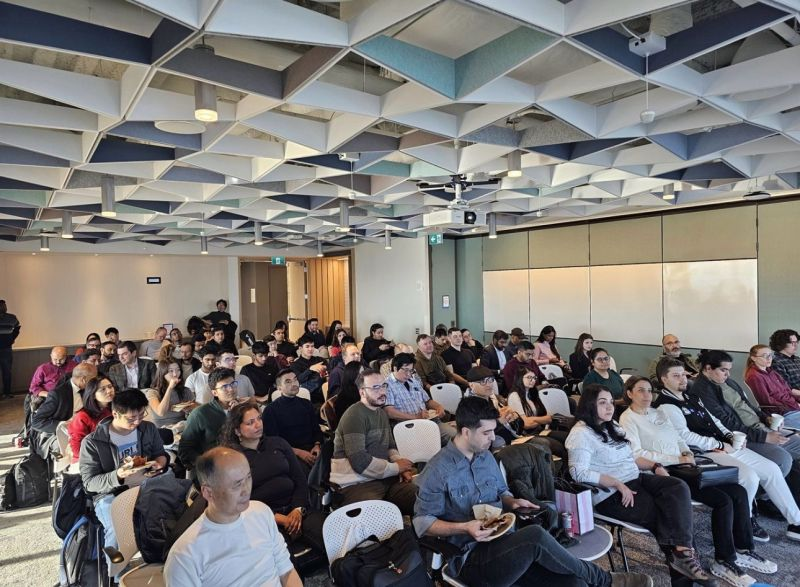
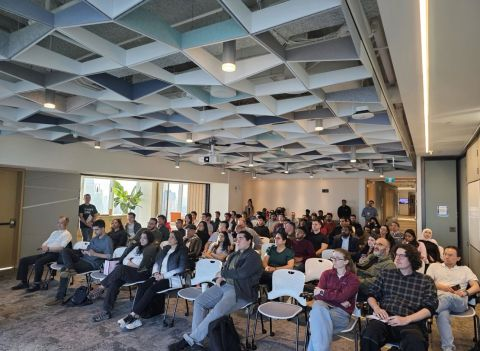
GitHub Copilot Dev Day brought the developer and data community together at Microsoft Canada HQ for an evening of practical demonstrations and discussion about AI-assisted development. The sessions moved from working with Copilot in the terminal to coordinating different coding agents and designing reusable skills.
What stood out to me was the connection between these topics: a useful AI workflow needs a clearly defined task, the right context and a way to check the result. The examples below are my reflections on the session themes, rather than a transcript of the speakers’ demonstrations.
Bruno Capuano on GitHub Copilot and the CLI
Bruno Capuano introduced GitHub Copilot and demonstrated CLI capabilities that highlighted how AI can support developer productivity. Working in the terminal places the assistant close to the project files and commands developers already use.
For someone learning these tools, I would start with a small task that has an observable result. In a data project, that might mean asking an assistant to explain a transformation script, investigate a failing check or propose a focused fix. I would then review the changed files and run the relevant validation before accepting the result. The value is easier to judge when the request describes both the problem and what a successful outcome should look like.
GitHub’s Copilot CLI documentation provides further guidance on working with the tool, including custom agents and reusable skills. My main takeaway from Bruno’s session was to treat the terminal as a place for an iterative conversation about the work, with review and verification built into the process.
Kaan Turgut on Agent HQ and incident response
Kaan Turgut explored GitHub Agent HQ through an incident response scenario, showing how Copilot, Claude and Codex can contribute within a shared development environment.
GitHub describes Agent HQ as a way to work with different coding agents within familiar GitHub and editor workflows. Tasks can run asynchronously, and developers can review their progress and results. Having several agents available also makes it possible to compare approaches to a problem; it does not remove the need to evaluate the proposed solution.
A useful learning example would be a failed data-processing job. One task could focus on finding the first meaningful error, another on proposing a minimal correction, and a review step on checking whether that correction addresses the cause. I would keep the handoff concrete: include the error, the affected files, the proposed change and the checks performed. This is how I would explore the session’s ideas in my own work, rather than an account of Kaan’s exact demonstration.
Cihan Cinar on agent skills and multi-agent workflows
Cihan Cinar concluded the technical sessions with agent skills and multi-agent workflows. This topic connects individual AI interactions with repeatable ways of working.
GitHub defines agent skills as folders of instructions, scripts and supporting resources that an agent can load for relevant tasks. A skill uses a SKILL.md file to describe what it does and how it should be used. That gives a team a place to record a procedure instead of rewriting the same guidance for every request.
For an analytics workflow, I could imagine a data-quality skill that checks required columns, missing values and duplicate identifiers before a report is refreshed. The useful output would be a clear validation summary and the records that need attention. A separate review role could inspect those results before the next stage proceeds. This example illustrates the importance of giving each role a specific responsibility and defining what evidence it should return.
The lesson I took away is to begin with a simple workflow and add specialized roles only when they make the work easier to understand or verify. More agents are helpful when their responsibilities and handoffs are clear.
The people behind the event
A special thank you to Ehsan Eskandari, Microsoft MVP and organizer of the Metro Toronto Azure Community, for consistently bringing people together to learn about Microsoft Azure, AI and modern development practices.
Thank you to Mandana Goudarzian, Saeed Hosseinzadeh and Luca Gobbi for their behind-the-scenes work, and to Microsoft, the speakers and everyone who joined the discussions.
I left with practical ideas for learning more about Copilot, reusable skills and agent workflows. Events like this make it possible to connect new tools with real problems while learning alongside a supportive community.
Read my original event post on LinkedIn ↗
Photos from the day